You can now access Shortlists through a myJet2 account. So, as well as being able to save, share and compare holidays, you'll also benefit from…
- Save and share shortlists
- Exclusive discounts
- Tailored holidays inspiration
Already a member? Log in

Call to book from 8:30am-6.00pm
Speak to one of our travel experts in our UK Call Centre:
Please only call a number listed on our website or you can find a travel agent near you.



✓ Browse over 60 destinations from our 13 UK airports
✓ New! Scroll and be inspired for your next holiday destination
✓ Filter to find your perfect deal
✓ Shortlist your favourite hotels
✓ Easy access to recently viewed holidays

✓ Save your booking for easy access
✓ It’s super easy to make changes to personal details, flight times and more
✓ Make payments easily
✓ See your holiday countdown
✓ Fly paper free: check in and download boarding passes to your phone’s wallet

✓ On a Jet2holiday? Enjoy 24/7 in-resort support by chat or WhatsApp
✓ Receive updates on your transfer to your hotel and track your return transfer in selected destinations
✓ New! Learn the local lingo with our handy translator tool
✓ Keep up to date with handy notifications
✓ Access important documents in offline mode
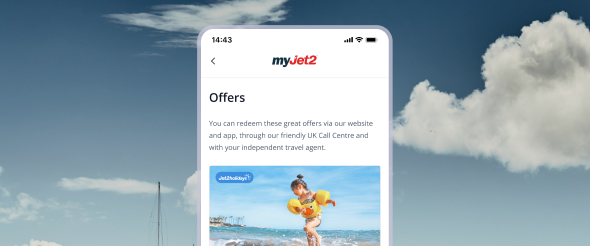
✓ Exclusive discounts on package holidays and flights
✓ Easier to book, check-in and manage bookings
✓ Save and share your shortlisted holiday favourites
✓ Enjoy our app-exclusive myJet2Perks to enter prize draws and more
✓ Get tailored holiday inspiration

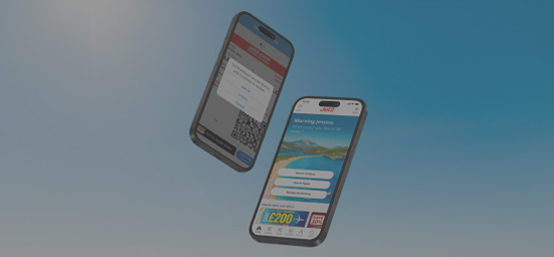
With the Jet2 app, you'll have everything that you need to search, book and manage ATOL-protected package holidays and flights in one handy place.
And when you sign up to myJet2, you'll have access to our extended list of benefits. That includes your upgraded myJet2Perks. On top of our usual prize draws, you'll get exclusive discounts and offers from loads of our brand partners!
Watch the video now to find out how our app works.
Visit our blog and discover more handy travel apps.


You can download the Jet2 app for free from the Apple store for iOS devices or the Google Play store for Android devices. Simply search for 'Jet2'.
With the Jet2 app you'll have everything that you need to search, book and manage ATOL-protected package holidays and flights in one handy place. You can also book seats, meals and experiences, receive handy notifications, plus more.
Once you've downloaded the app, simply log in to myjet2 using the same email address and password you used when booking your holiday and your booking will appear. Alternatively, you can manually save your booking to the app using your booking reference.
While an internet connection is needed for real-time updates and making payments, some features, such as viewing pre-downloaded travel documents and destination guides, can be accessed offline.
Yes, absolutely! Once you've completed online check-in, your boarding passes will be available to download and view directly within the Jet2 app on your mobile device.

You can now access Shortlists through a myJet2 account. So, as well as being able to save, share and compare holidays, you'll also benefit from…
Need an account? Create one here